
1.1 KiB
1.1 KiB
Gitea ssh setup
This guide assumes you have registered and verified your account with an @RU.IS email address. If you have not setup your account yet, you must do that first. The gitea server at RU is on port 2222. It does not respond on the usual port 22
Installing ssh keys into Gitea
- If you don't have an ssh key, generate one now following the guide on the (main ssh page)[index.md]
- Login to gitea.cs.ru.is
- Click on your user Icon on the top right and choose "Settings" in the dropdown
- On the Left, click on "SSH / GPG Keys"
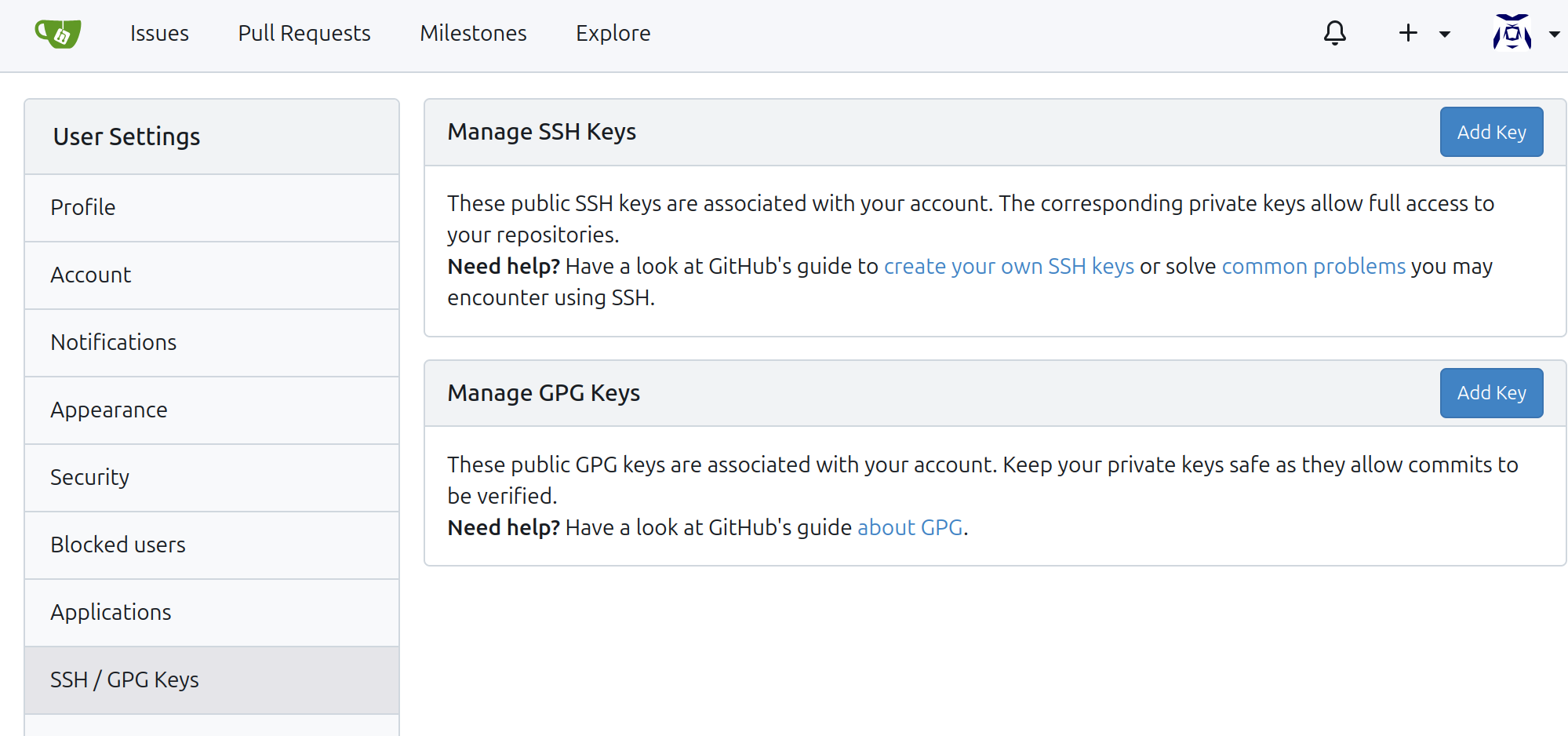
- copy the contents of
~/.ssh/id_ed25519.pubinto the text box and click "Add Key". On windows you can view it in Notepad to cut and paste it.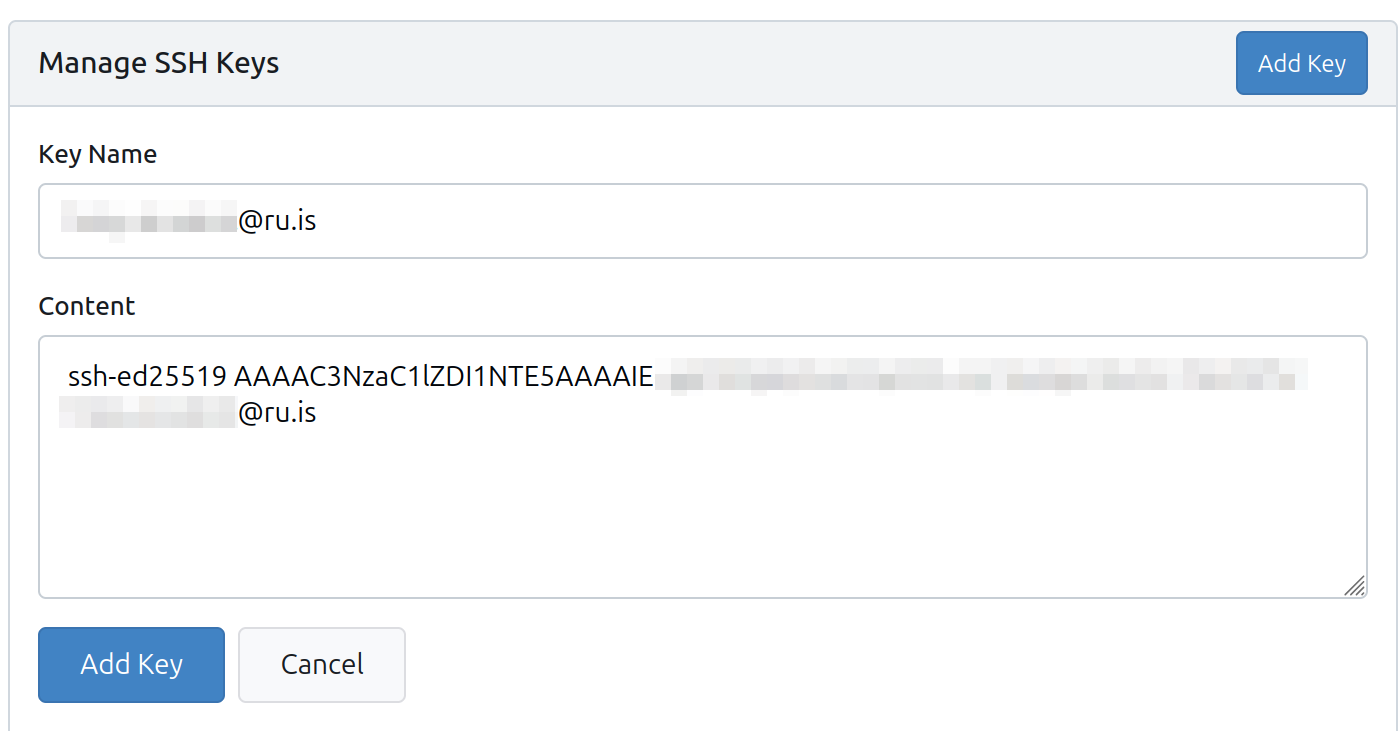
- It will then want you to verify the key by TODO


Testing
If you have ssh setup properly with gitea, you should be able to test it this way:
