
2.9 KiB
2.9 KiB
Gitea ssh setup
Gitea is a GitHub/GitLab clone written in Go.
- Maintainer: Joseph T. Foley
foley - (Gitea Documentation)[https://docs.gitea.com/]
Registering for an account
Initial Registration
- go to https://gitea.cs.ru.is
- Click on "Register" on the top right
- Registration information:
- Username: the same as your RU username (remove the @RU.IS)
- Email Address: your RU email
- Password: Choose something relatively long that you can remember and save it somewhere safe
- Confirm the password by typing it again
- Click on "Register Account"
If you use any email other than RU.IS, it will give you the error "You cannot register with your email address". External collaborators must be added manually by an administrator.
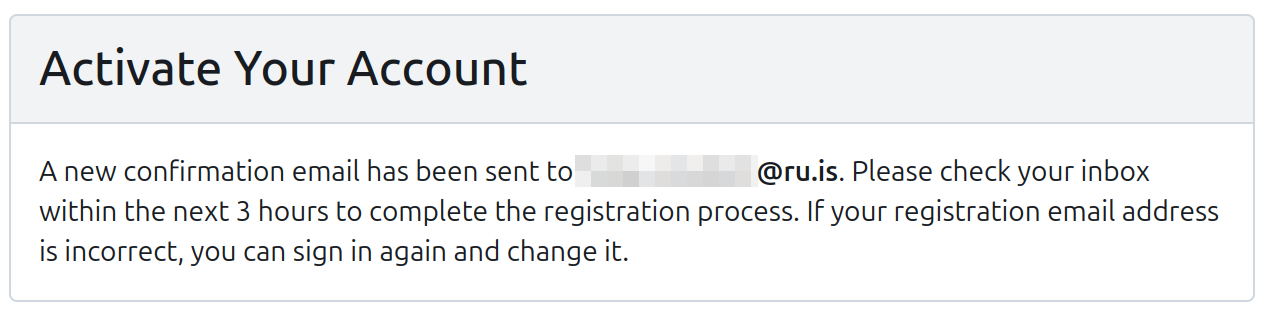

Email verification
- Gitea will send you an email with a verification link within the next 5 minutes. If you don't see it, check your spam
- Look at the email and cut-and-paste the verification link into a browser. Check that it starts with
https://gitea.cs.ru.isto make sure that it is not a Phishing attack - Your email is now verified!
- You can now click on "Sign In" on the top right to login with this username and password.
Creating a repository
- Look for the "Repositories" on the right side and a "+" symbol. Click on it. Some things to consider:
- Owner: Either yourself or an organization you are a member of
- Repository Name: something short with US alphabet, numbers, and dashes or underscores. Avoid accented and letters outside of the 26 a-z
- Visibility: check this box to keep it private. In general, make things private unless you are really sure you want search engines, AI LLM scrapers, and random people to look at it.
- Description: Explain what this is about so that people know quickly if it relates to what they need. This is also the most easily searched.
- Issue Labels: Default (unless you are working on a project with a complicated management/approval process)
- License: Skip this if private. If not, read the quick overview on licenses at https://choosealicense.com/
- README: The default is a nice place to start. If you haven't already setup a git workspace/repository on your computer, I recommend checking "Initialize Repository (Adds .gitignore, License, and README)" so that the repository starts with some useful files.
- Default Branch: This choice is a bit political in places as explained in a 2020 article at the software freedom conservancy. The default of "main" is less offensive to certain groups. "master" was the classical name for many years. -Once you are happy, click "Create Repository"