
4.2 KiB
4.2 KiB
Altium Education
Altium Education is a program to provide Altium licenses to students to use in their studies. Details at https://education.altium.com/
Getting a student license
- Go to https://www.altium.com/education/students
- Click on the "Enroll for Free" button
- Fill out the verification form with your RU email address
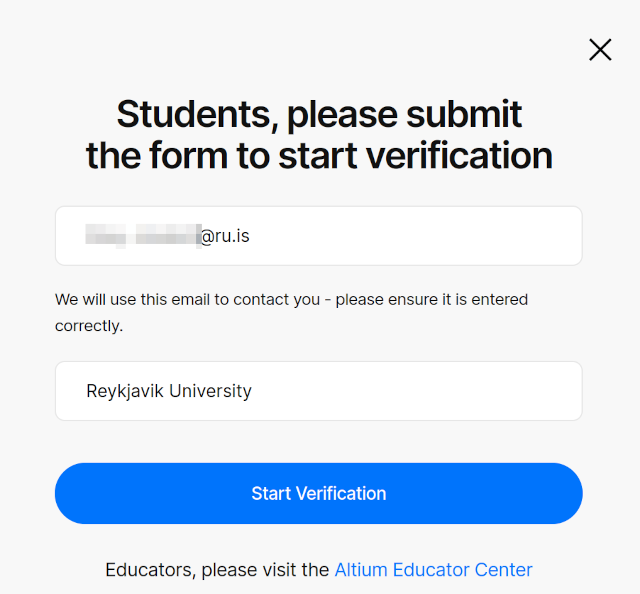
- Click "Start Verification"
- You will start the verification process with proxid.
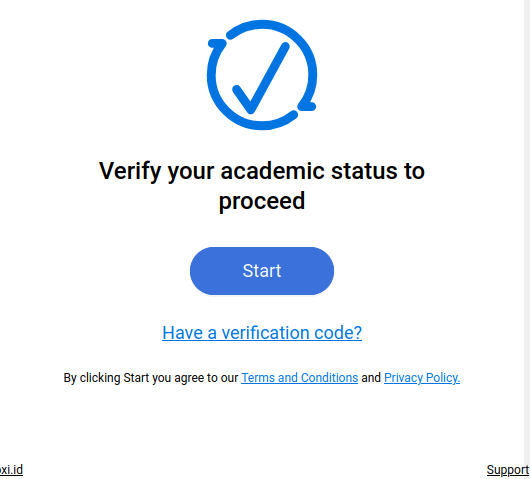
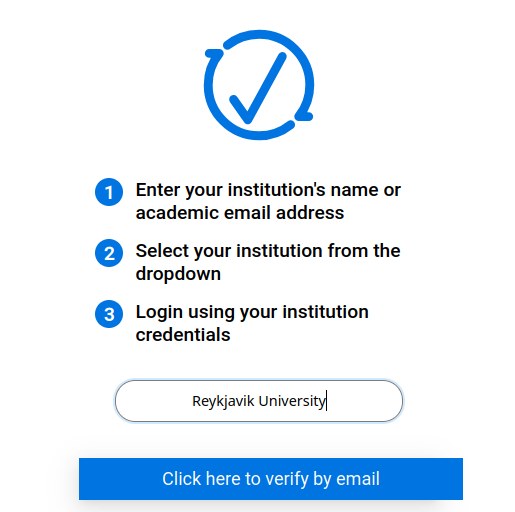
- Proxiid will ask for your instituion: "Reykjavik University"
- Proxiid will need your institution email: "username@RU.IS"
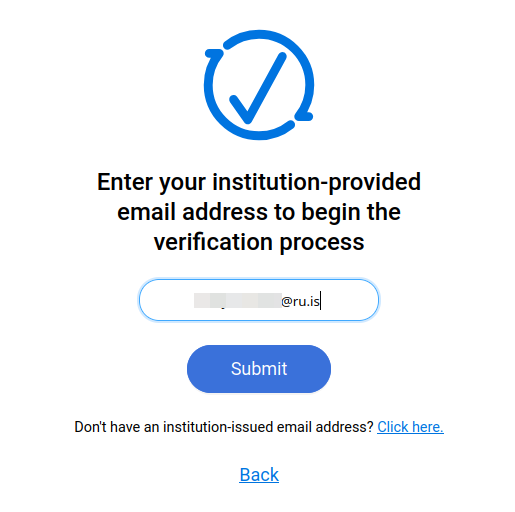
- Proxiid will then submit the request, then send you an email
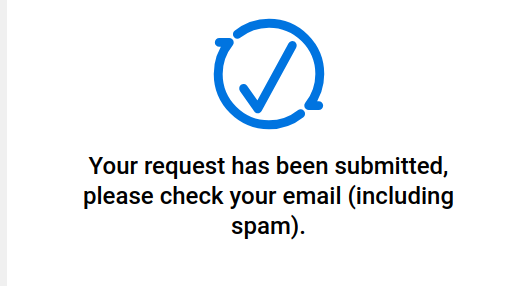
- You should get an email (you may need to check Spam) from
request@proxi.id. Notice that this is the same domain as where Altium sent you. Click on the "Continue" button or cut and past the link at the bottom of the email(a safer choice).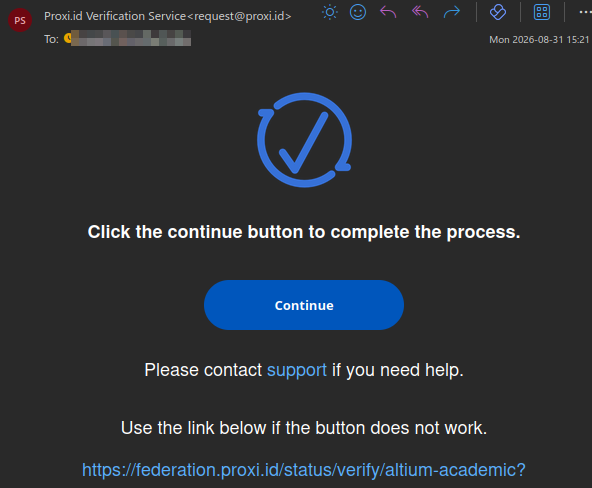
- In the browser, it should ask you to complete verification
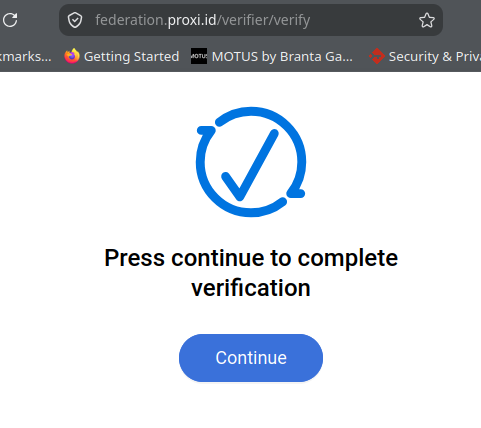
- This should return you to the Altium site where you can then sign up for the Lab.
It will force you to scroll through the privacy policy near the end before you can check the box.
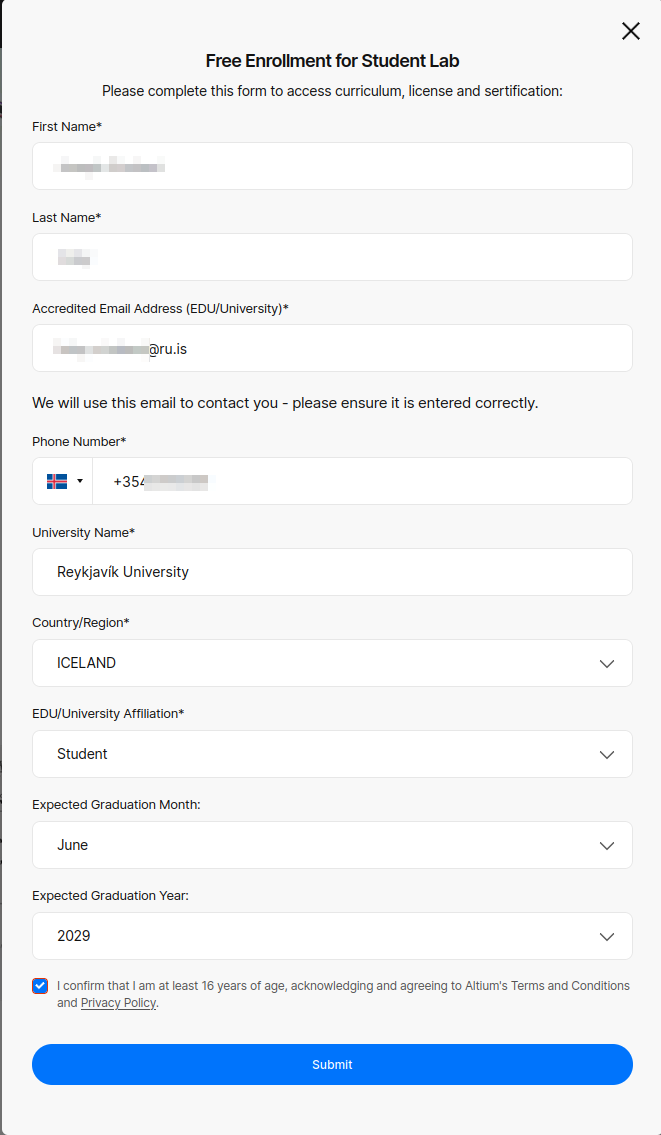
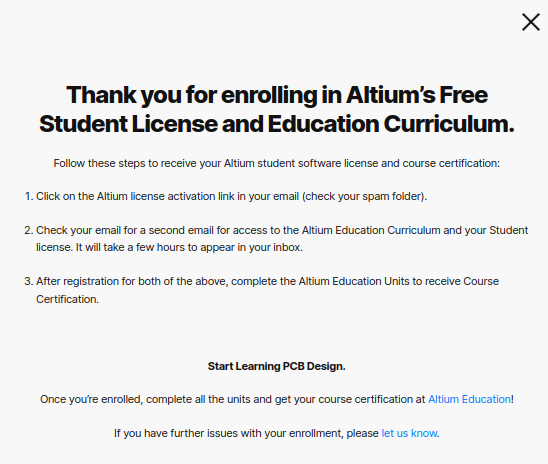
- After completing the form, your enrollment is complete. You will need to wait up to a few hours to receive your license in email.
- The email will come from
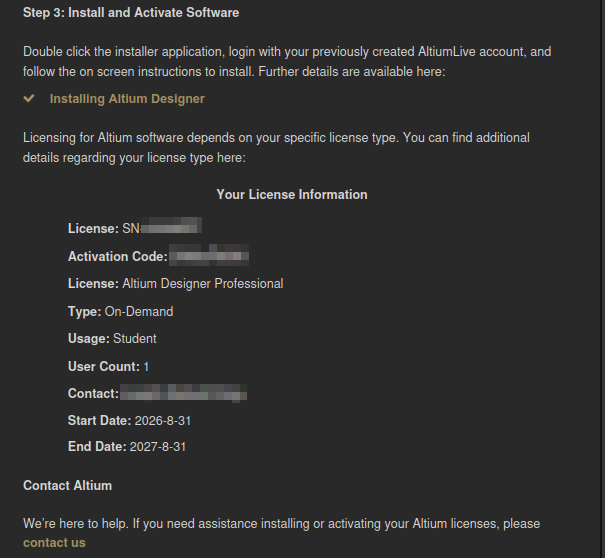
admin@altium.comand give the next steps you need to complete.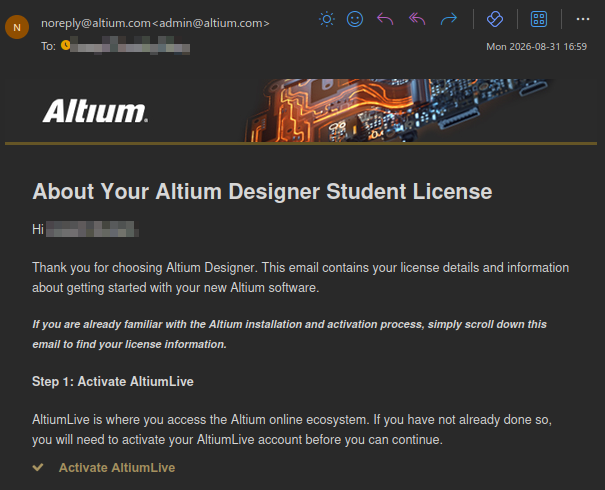 Save this email because it contains your license serial number and activation code.
- Your first step is to click on the "Activate AltiumLive" to create your account used to manage your workspaces and licenses. The link should look something like
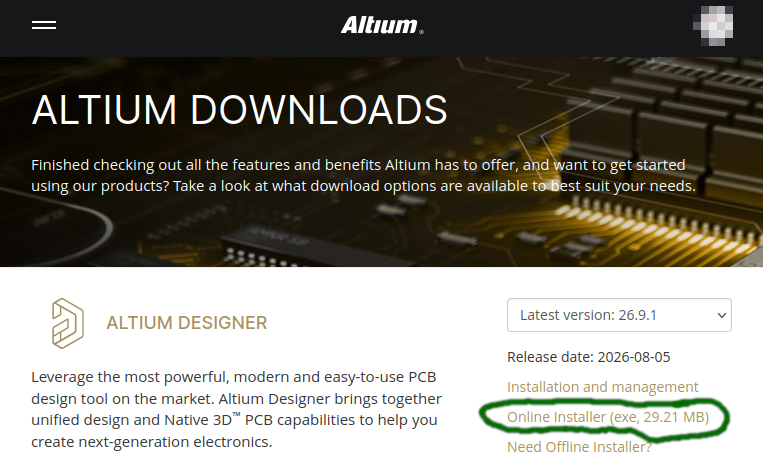
https://live.altium.com/ActivateEval/HEXADEXIMALLETTERSANDNUMBERS?utm_source=altiumdatabase&utm_medium=emailMost importantly, the domain islive.altium.com - Once you have logged into AltiumLive, you are able to access the downloads area. This is where some people have run into trouble as you want "Altium Designer" not any of the other variants such as "Develop" or "Agile".
Click on the "Online Download" to get the right executable, which is circled in green.
- When you run the executable, it will download and setup Altium. The defaults it chooses are generally sensible. You will need to authenticate to AltiumLive during the installation so that it can check that you have the right license. Altium provides detailed documentation explaining the installation process at https://www.altium.com/documentation/altium-designer/installation-management/installing
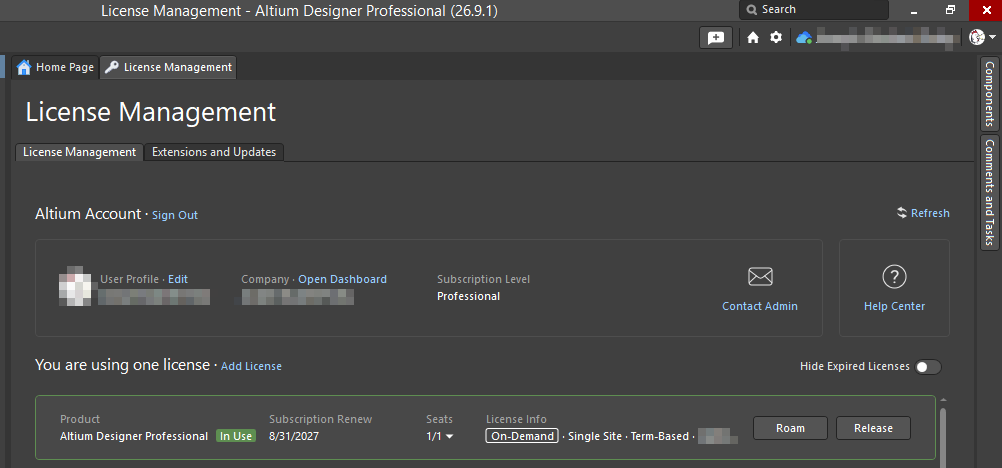
- Once your license is setup in Altium, check that you can use it. This is an image of a student license being used.


Common Problems and Questions
I got an error about "author seats" and can't seem to access the License Manager menu
You have probably fallen into the trap of installing Altium Develop or CircuitMaker. Altium Develop is a different product with a free 30-day license which doesn't have a License Manager menu. CircuitMaker is the free version of Altium, but all of your designs are public. CircuitMaker is also incompatible with our Altium Cloud server.
How can I tell if my license expired?
A student license lasts for a year and shows that information in the "License Management" menu. You can access it by clicking on your user icon on the top right in Altium. If it expired, it will look like the image below with the word "Expired" and in red color:
